Perform PCR primer design to amplify selected features on the feature lane of the main feature map.
Operation
- Load a genomic sequence with features to PCR into the main feature map and make it the current sequence.
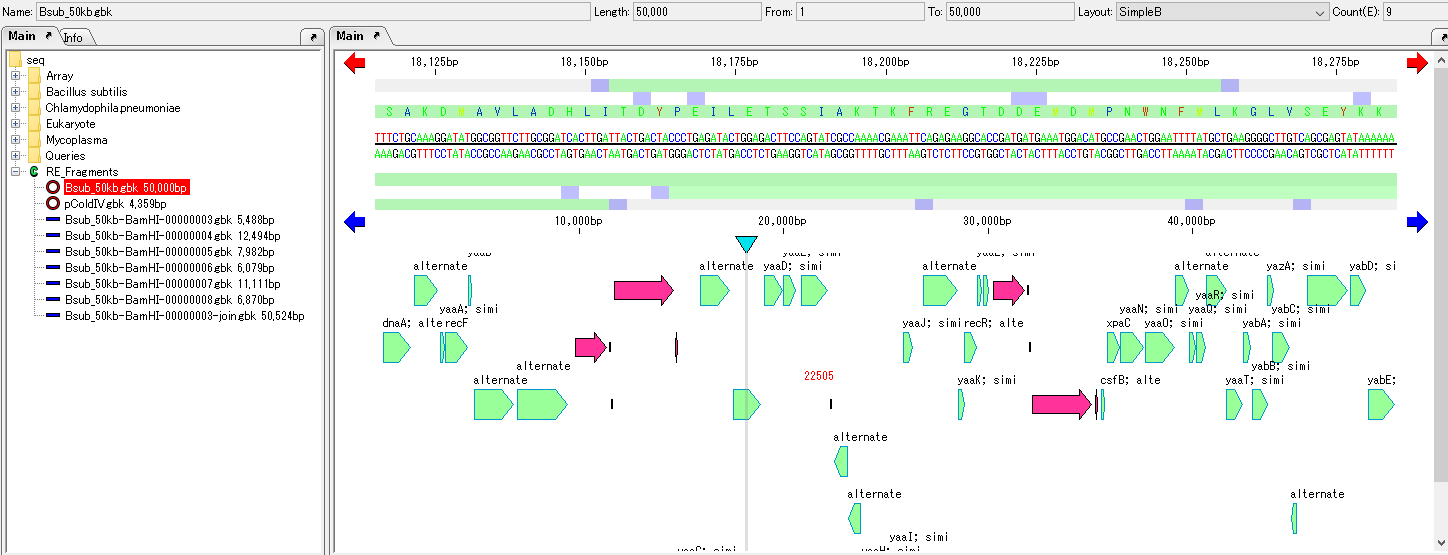
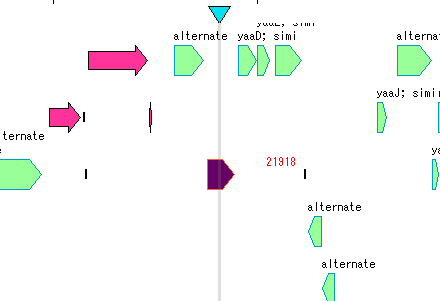
- Click the feature you want to amplify.
- Feature is selected and displayed in complementary color.
- Right-click on the feature on the feature.
- A pull-down menu will be displayed.
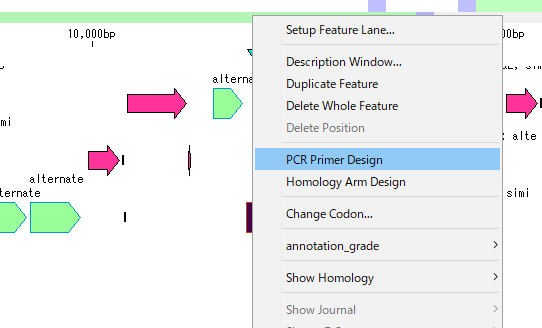
- Select PCR Primer Design.
- The PCR Primer Design dialog is displayed.
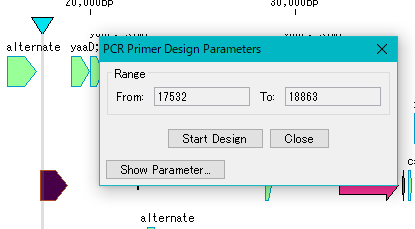
- Click Show Parameter ....
- The dialog will expand and the primer design parameters will be displayed.
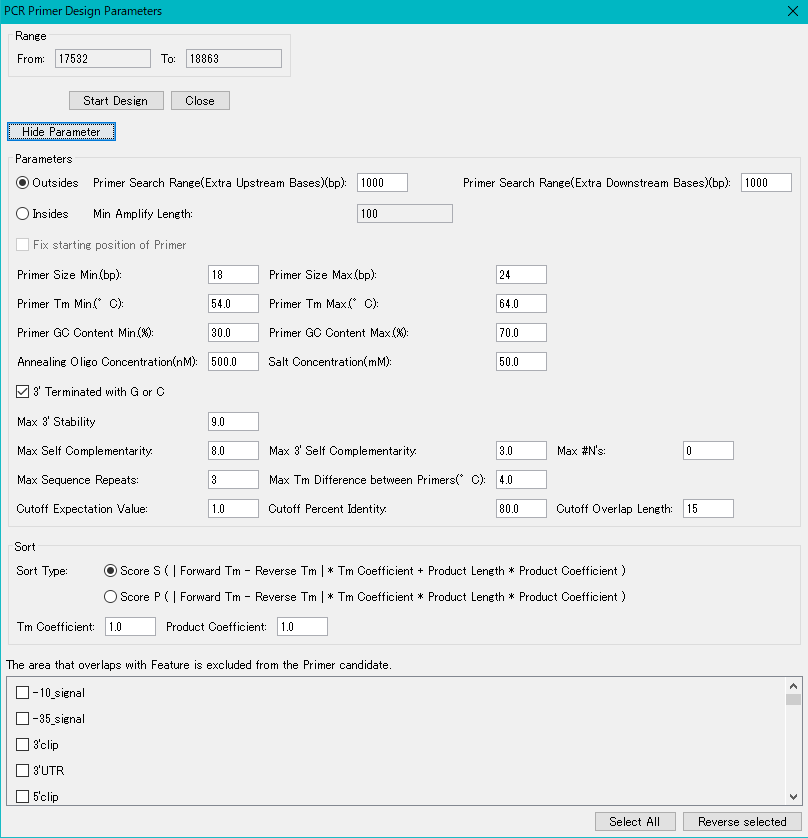
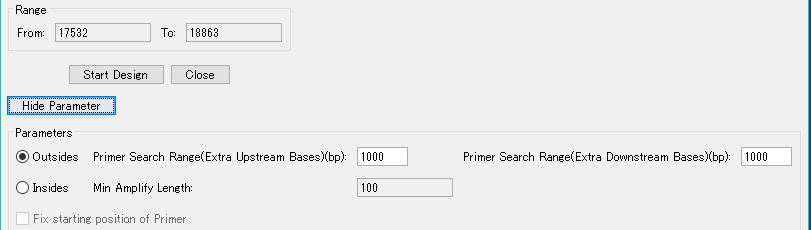
- Select Outside if you want to amplify PCR products containing the entire selected features.
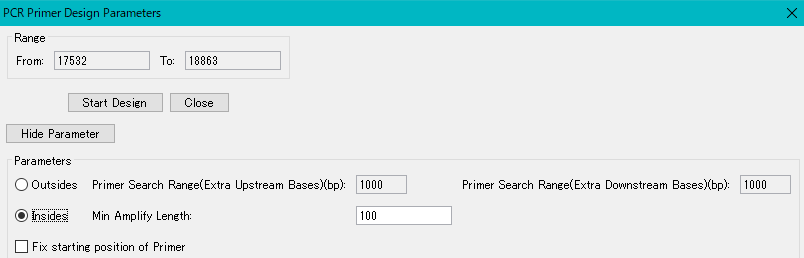
- Select Inside if you have amplified a portion of the inside of the selected feature.
- Click Start Design.
- The primer design is executed, and when finished, the Primer Design List dialog box will be displayed.
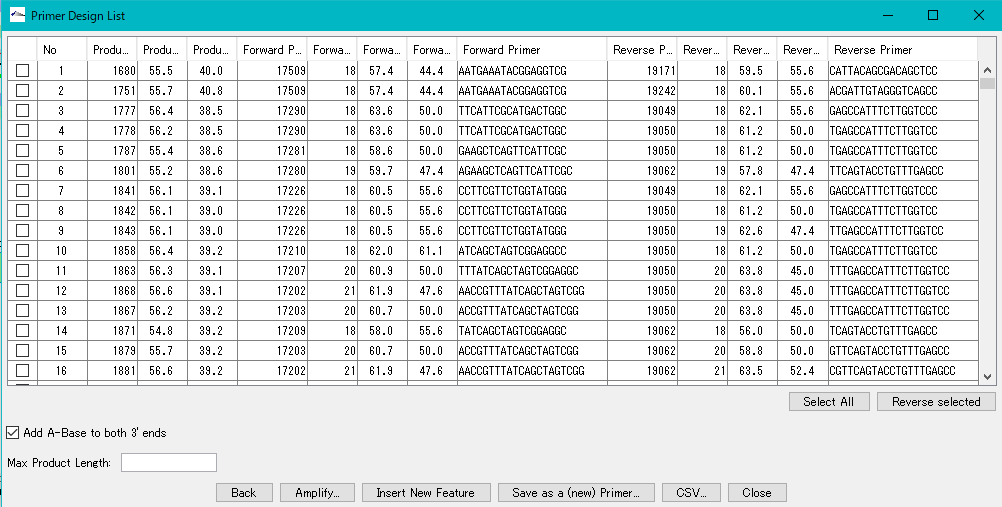
- All primer sets that satisfy the design conditions are displayed.
- Check on the top line.
- The region that the checked primer pair amplifies is displayed in color on the feature lane.
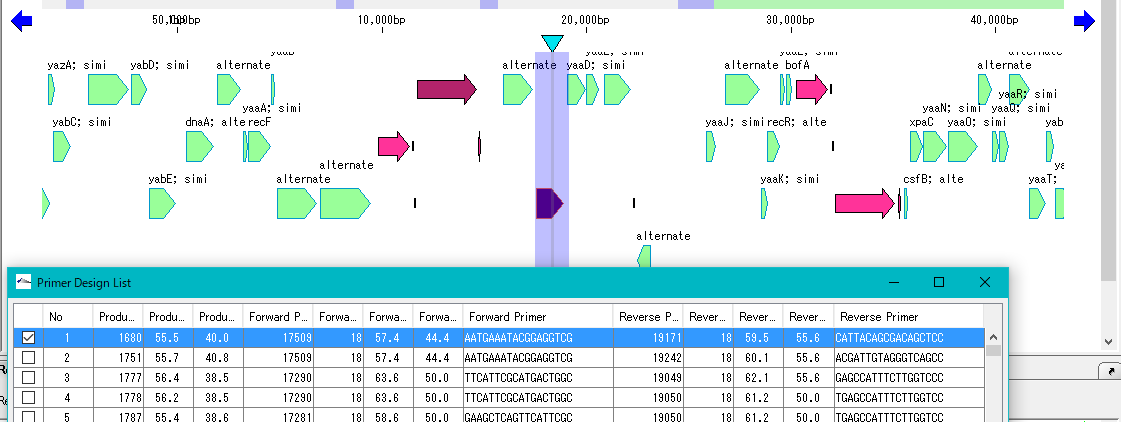
- Click Amplify.
- The confirmation message Start PCR? Is displayed.
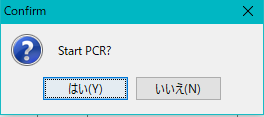
- Click "Yes (Y)".
- The PCR reaction is executed and the Amplify List dialog box is displayed.
- Usually one product is displayed.
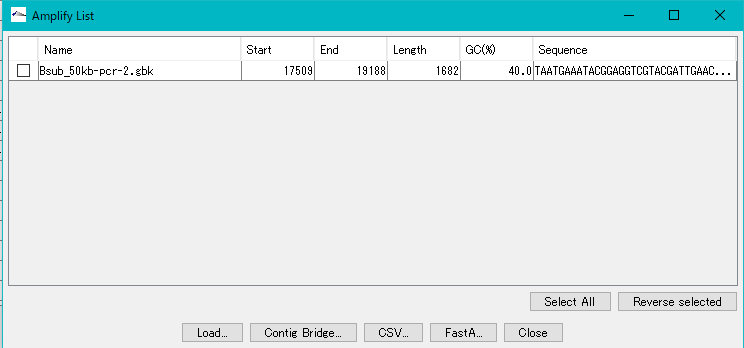
- I'll check it.
- Click Load.
- This PCR Product is loaded into the main current directory.
- A confirmation message Completed !!! is displayed.
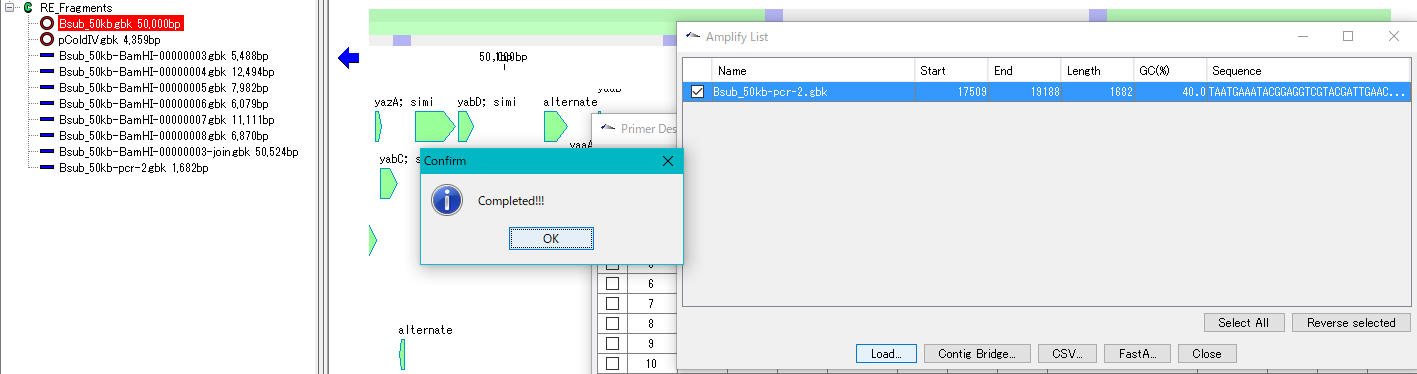
- Click "OK".
- The confirmation message closes. Click the loaded PCR Product.
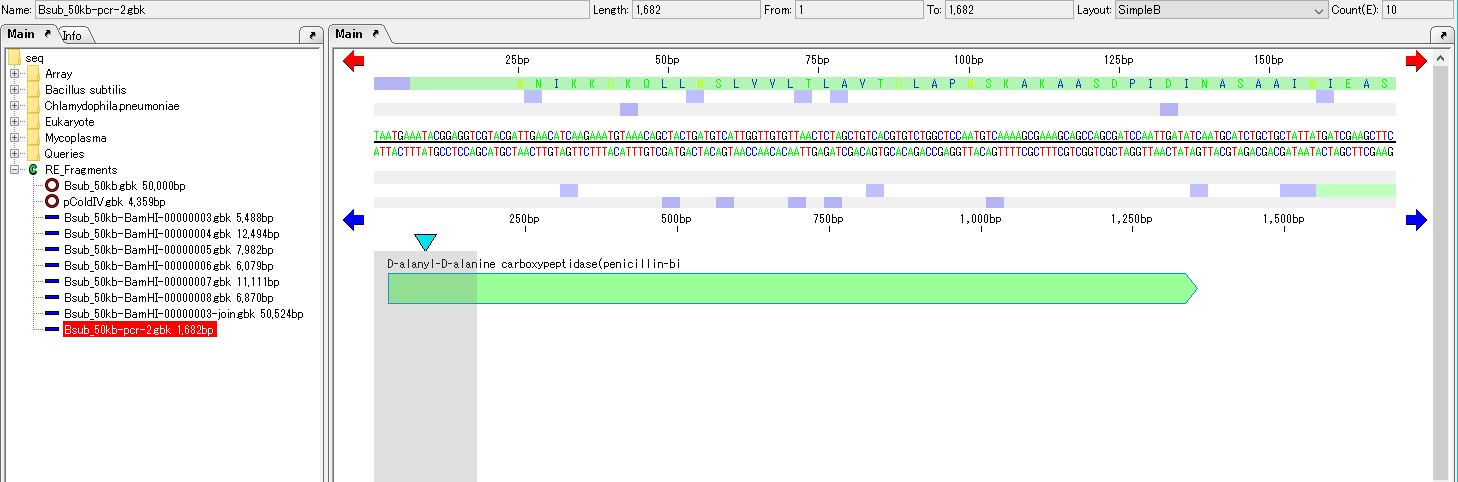
- The main feature map is switched and the feature map of that PCR Product is displayed.
- The amplified region contains the first selected feature.