You can change the character color of bases or amino acids displayed on the array (sequence) lane of the main feature map.
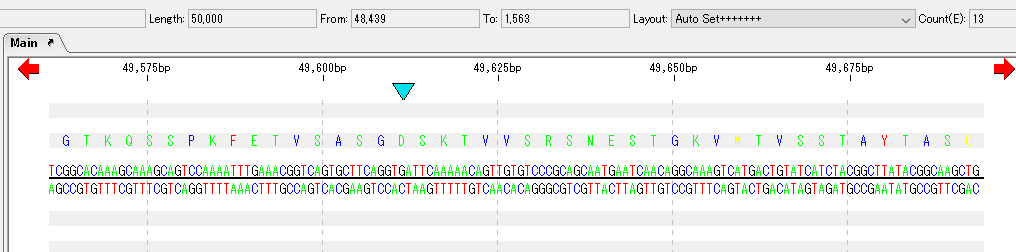
Operation
Select Settings -> Feature Setting from the menu.
The Feature Setting dialog will be displayed.
Click the "Sequence Lane" tab.
The Sequence Lane tab pane appears.
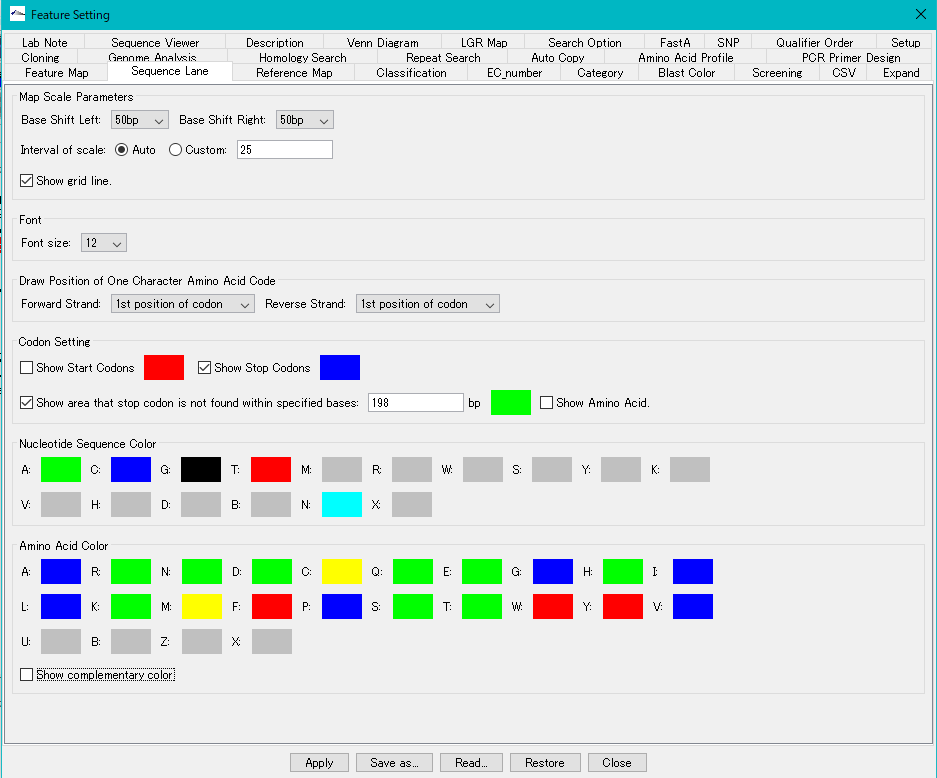
Change base character color

Click each color box of Nucleotide Sequence Color.
The color palette is displayed.
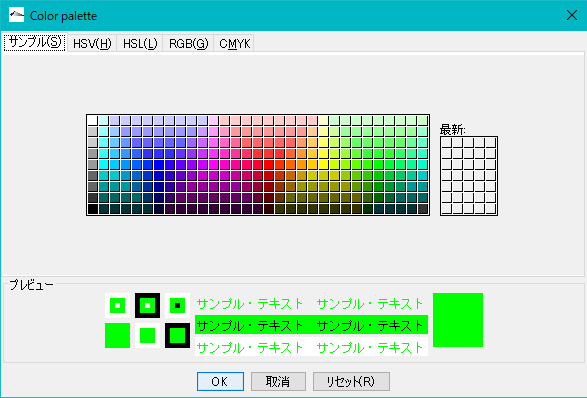
Click any color from the sample (S) palette.
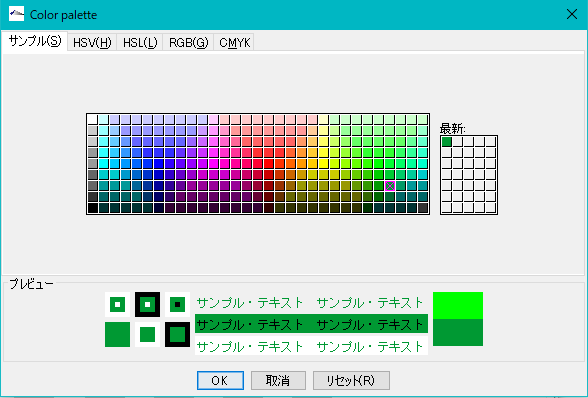
Click "OK".
The color of the operated color box changes.

Click "Apply".
Changed base character color changes.

Change of amino acid character color
Just like changing base character color, click each Amino Acid Color box to change it.
