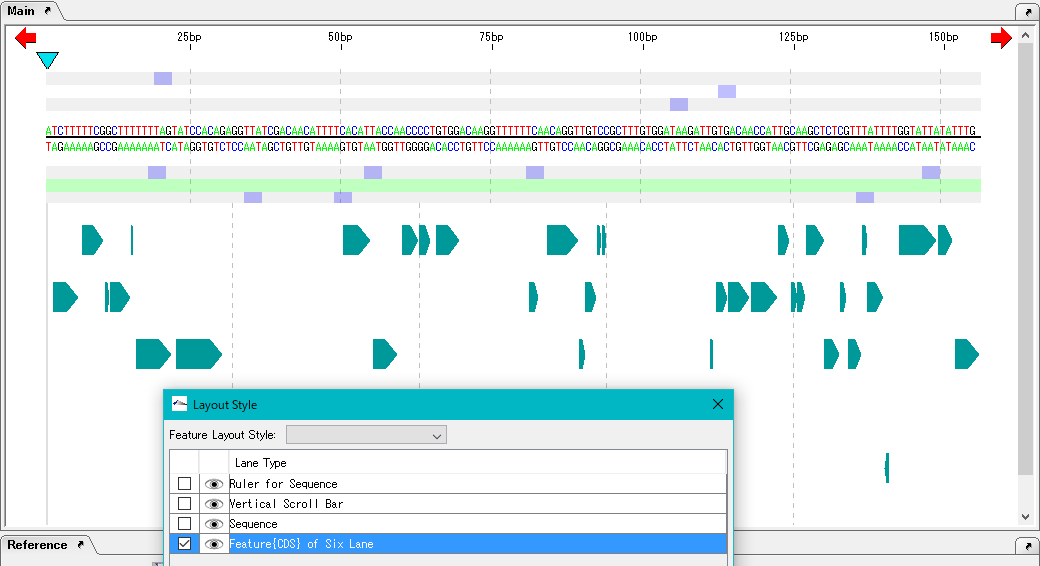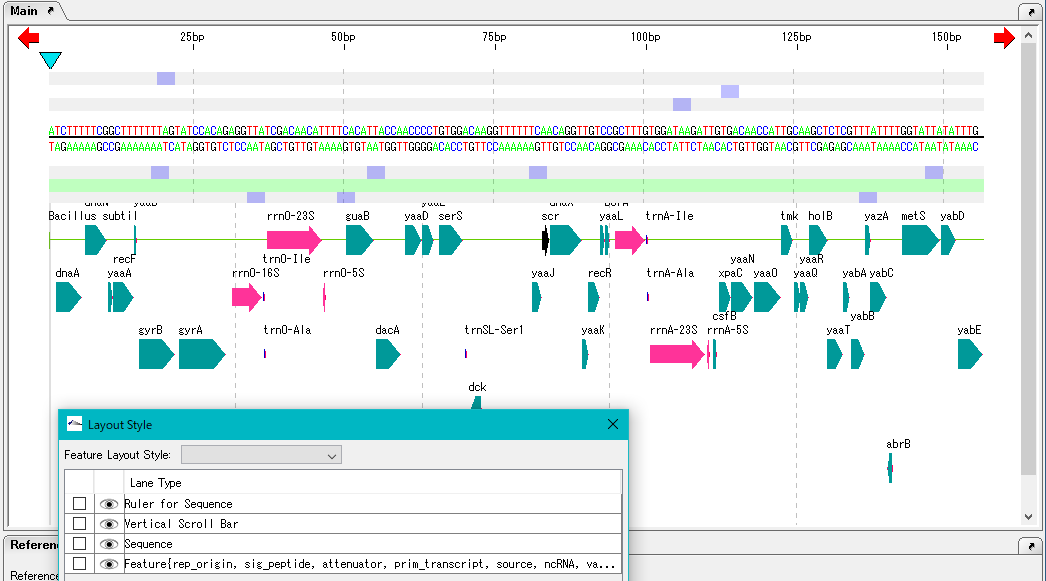
All the feature keys are selected and displayed on the above, but edit this and narrow down the feature keys displayed in the feature lane.
Check the "Feature" lane.
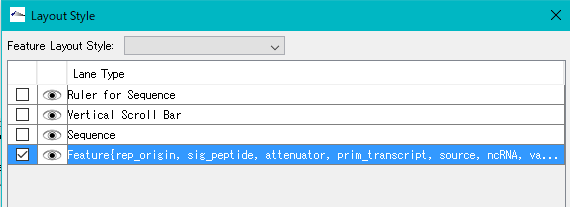
Click "Edit".
The "Lane Setting" dialog will be displayed.
All of the feature keys in the Feature pull-down menu are selected, but click on "CDS" and only CDS is selected.
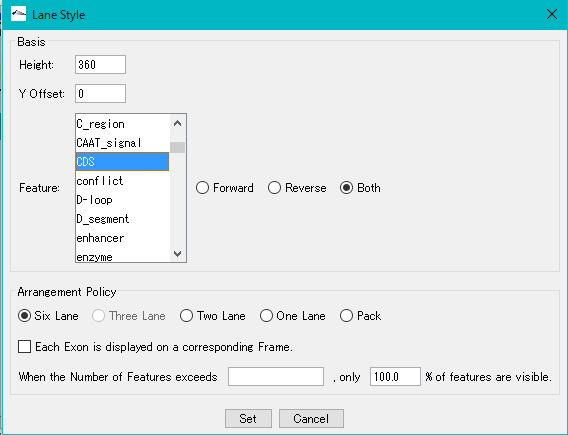
Click "Set".
The "Lane Setting" dialog closes and the description of Feature lane of "Layout Style" changes like "Feature {CDS} ...".
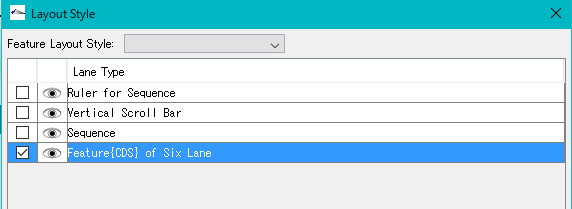
Click "Apply".
The "Apply?" Confirmation message will be displayed.
Click "Yes (Y)".
Only the CDS is displayed in the feature lane of the main feature map.