Extract the core genome from a pan genome.
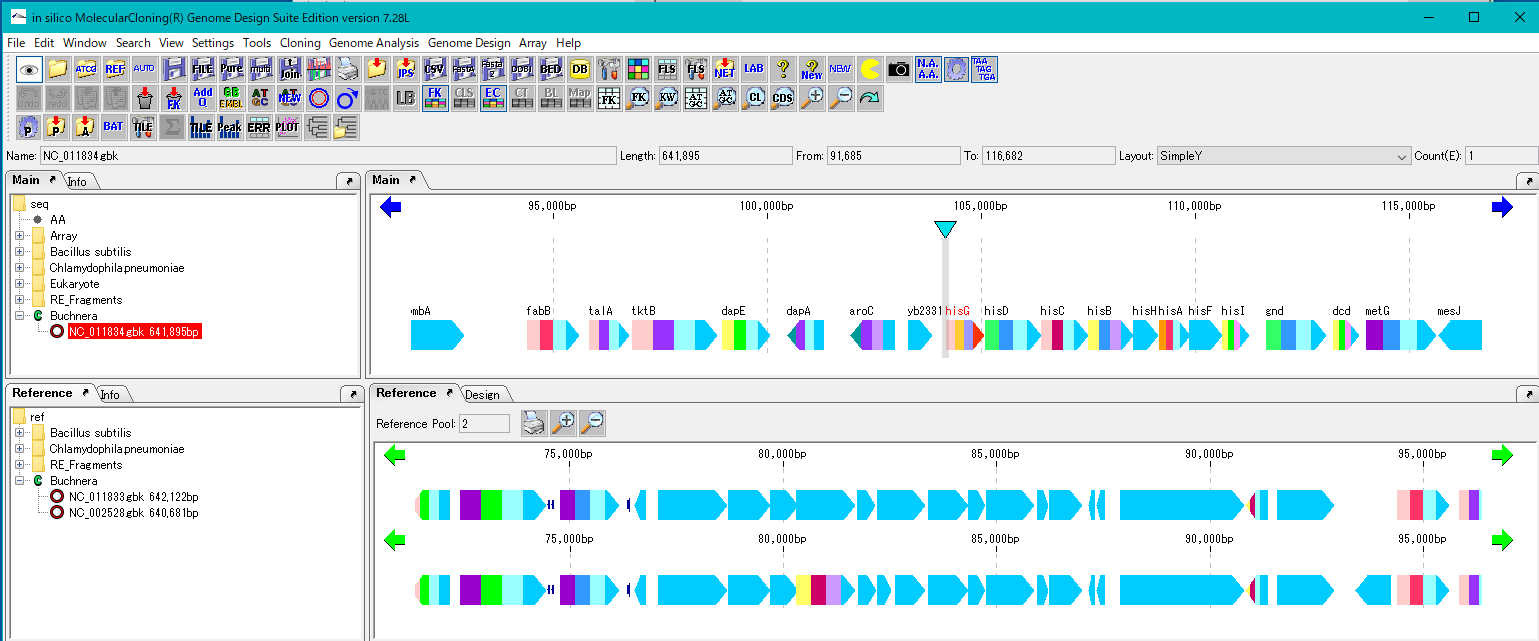
Preparation
Load one genome into the current main feature map.
Load multiple genomes to compare to the current reference feature map.
Operation
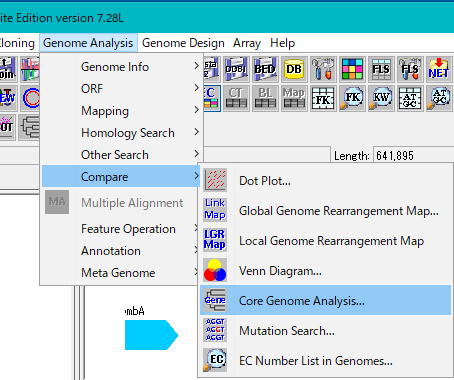
Select Genome Analysis -> Compare -> Core Genome Analysis ... from the menu.
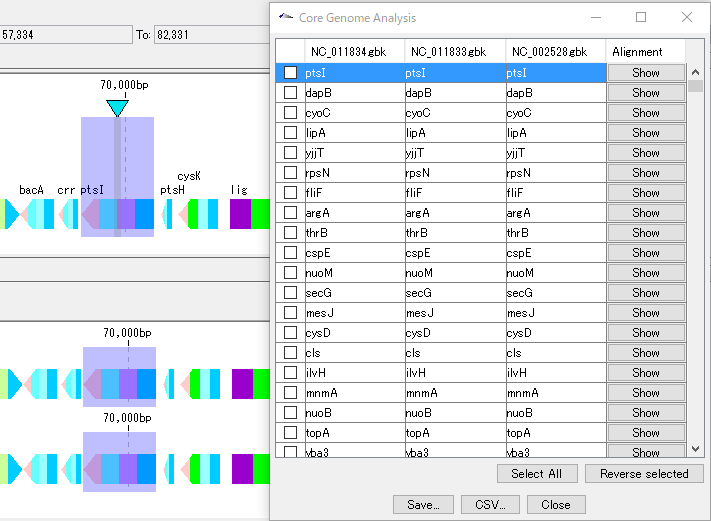
The Core Genome Analysis Setting dialog is displayed.
A list of genomes loaded in the current reference feature map is displayed.
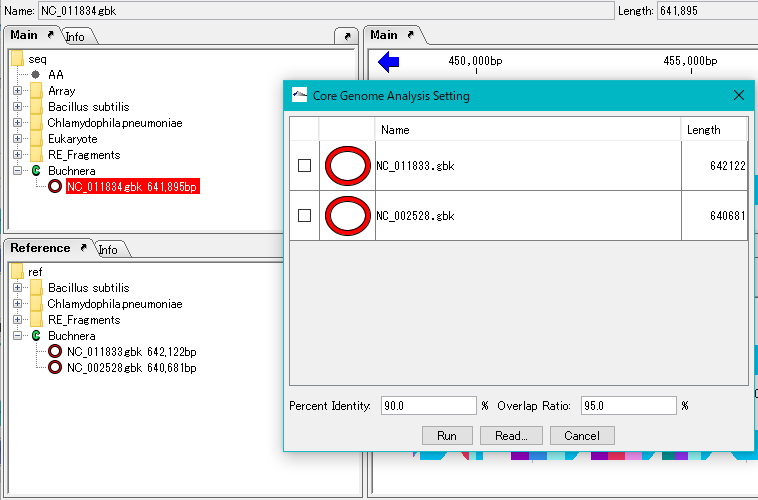
Check the genome to compare.
Click "Run".
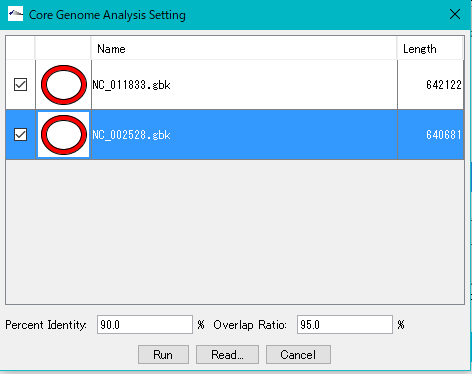
The execution setting dialog is displayed.
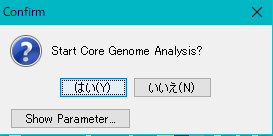
To change the execution parameters, click the Show Parameter button to display the parameters.
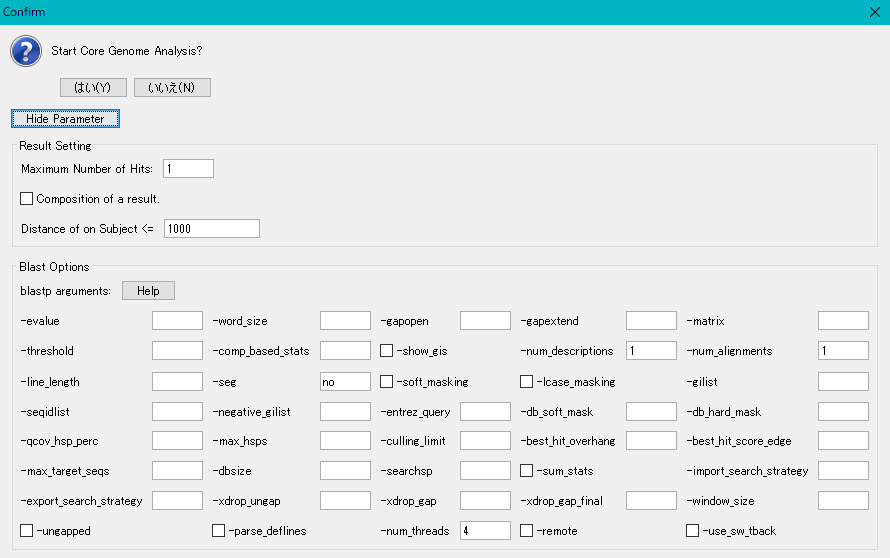
Click "Yes (Y)".
Execution is started and a progress message is displayed during execution.
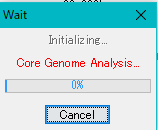
It takes time if the number of genome is large.
When the execution is completed, the Core Genome Analysis result dialog is displayed.
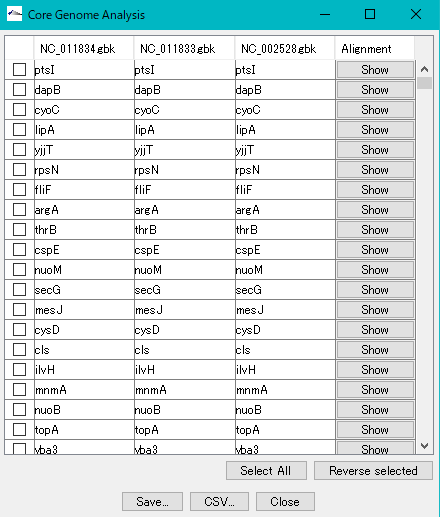
Homologous genes are aligned by clicking a line with a dialog.
Click the Alignment button on each line.
A confirmation message (Start Multiple Alignment) is displayed.
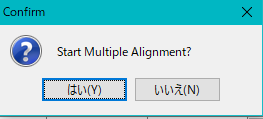
Click "Yes (Y)".
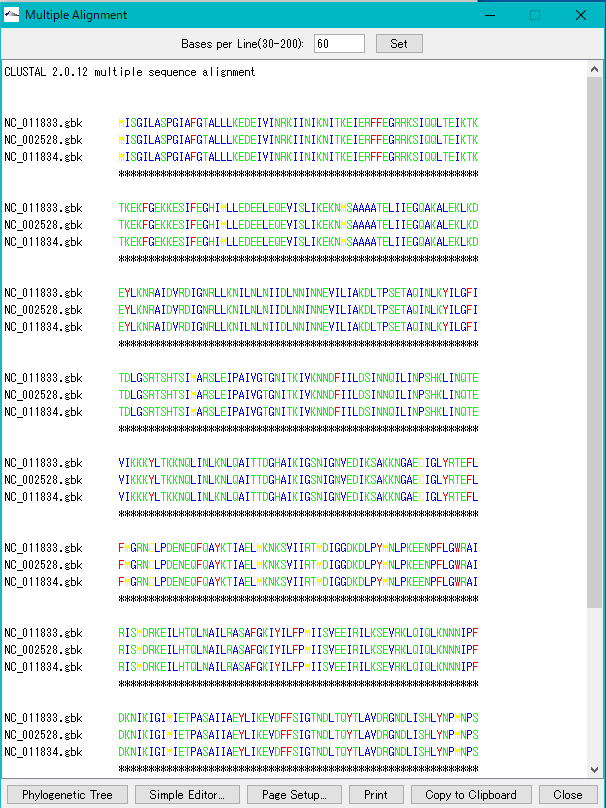
The Multiple Alingnment drawing dialog is displayed.