In the Sequence lane, the base sequence of the loaded current genome file and the translated amino acid sequence are displayed in addition to the coding region.

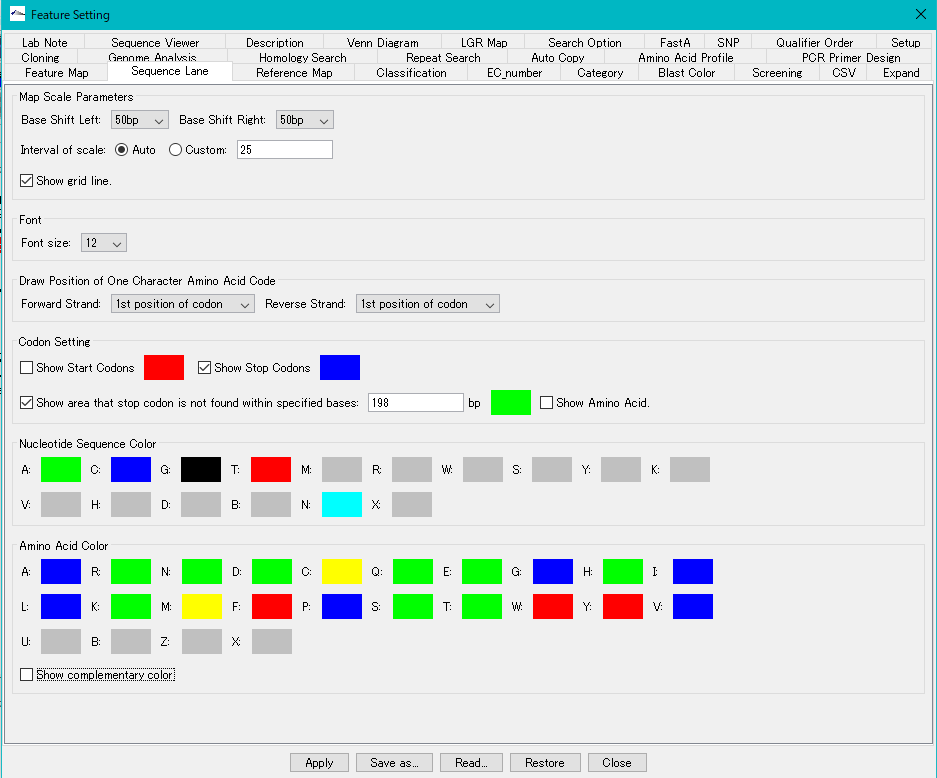
You can change and set the display color or array background, change the font size, etc. by using the Sequence tab pane of the Feature Setting dialog.
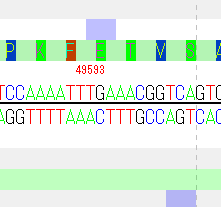
Selection of base sequence: Sequence lane base sequence can be selected on Forward Strand or Reverse Strand. You can also perform various operations on the selected array.
When mouse over over the sequence, the genomic absolute base position of the mouse position is displayed.
You can select an operation from the pull-down menu displayed by right-clicking the mouse on the selected area.
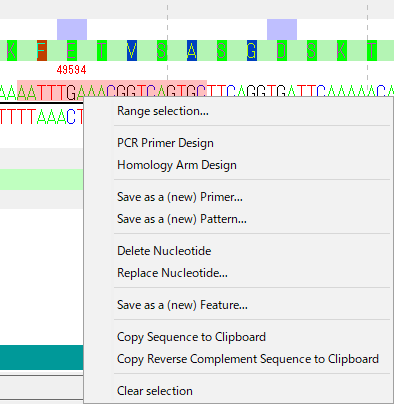
Range Selection ...: Changes the selected base range.
PCR Primer Design: Design a PCR primer that amplifies the selected base sequence region.
Homology Arm Design: Register the selected base sequence as a homology arm.
Save as a (new) Primer ...: Register the selected base sequence as (new) primer.
Save as a (new) Pattern ...: Register (new) the selected base sequence as an array pattern.
Delete Nucleotide: Deletes the selected base sequence.
Replace Nucleotide: Replace the selected base sequence with the base sequence to be input.
Save as a (new) Feature ...: Registers the selected base sequence range as a (new) feature.
Copy Sequence to Clipboard: Copies the selected base sequence to the clipboard.
Copy Reverse Complement Sequence to Clipboard: Copies the reverse complementary sequence of the selected base sequence to the clipboard.
Clear Selection: Deselects the selected base sequence.