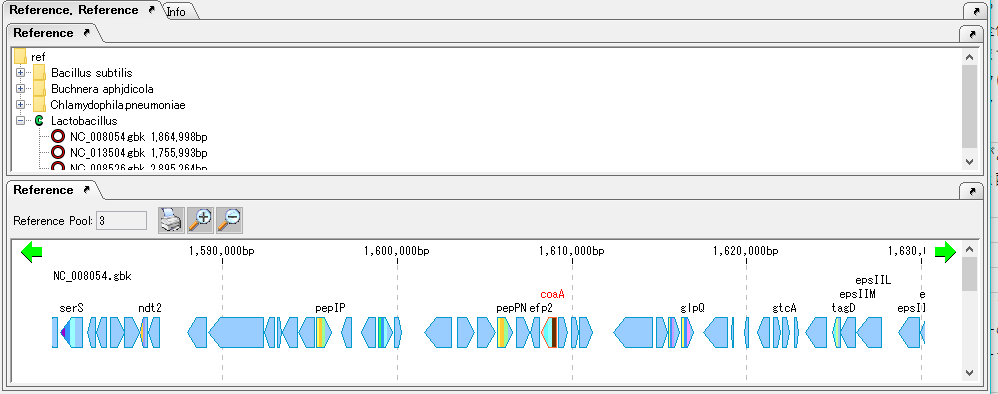
The linear genome map is usually docked in at the bottom of the main window.
You can dock out the linear genome map to display the linear genome map larger.
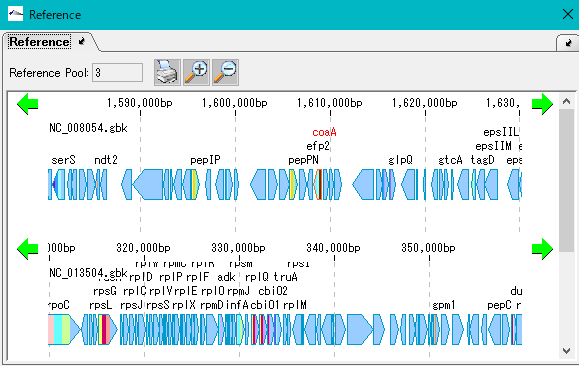
Click the undock icon on the right side of the linear genome map tab.
The entire linear genome map leaves the main window and becomes an independent window.
You can resize it and operate it with a big screen.
To dock again to the main window, click the dock icon in the same place and it will return.

When docking, it may change from the previous placement, but you can change the placement by dragging the tab and dragging it to an arbitrary place.