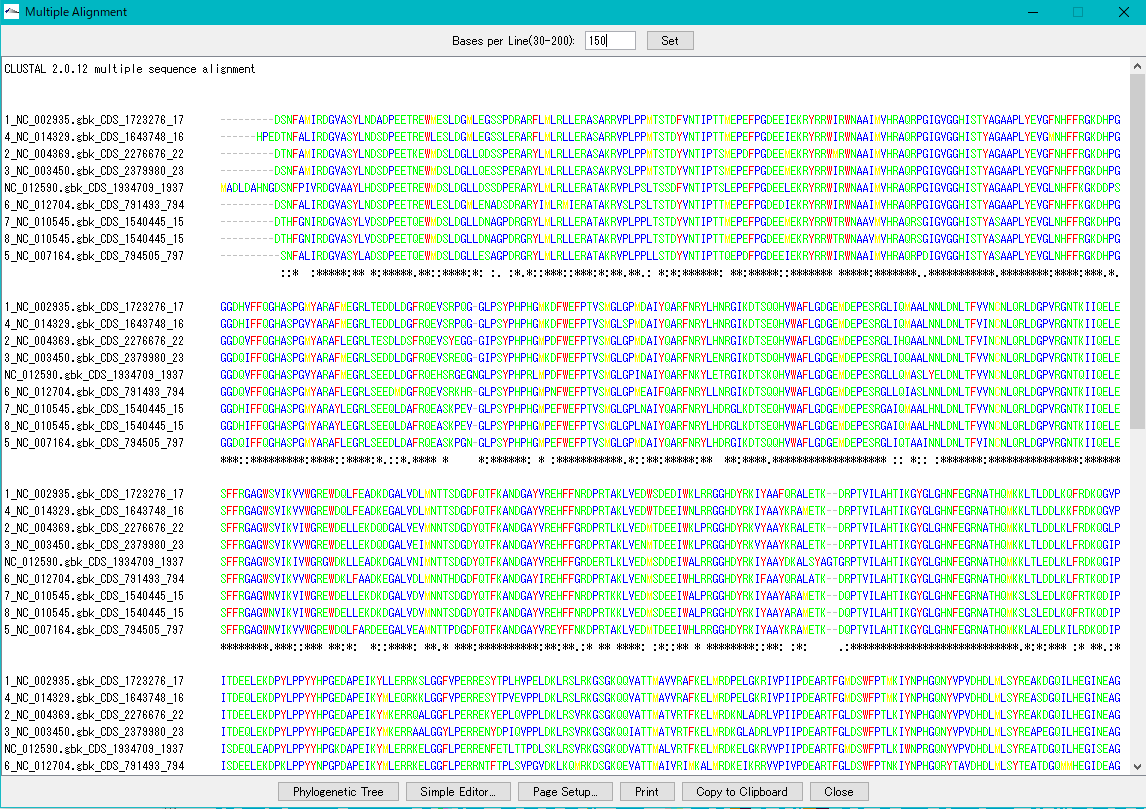
Multiple alignment viewer can be launched from the homology search result dialog.
Operation
- As a result of executing the homology search, the Homology Search result display dialog box is displayed.
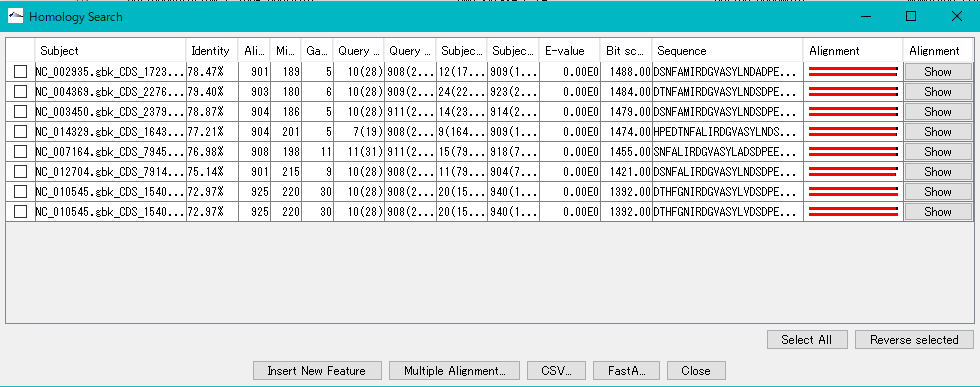
- Select multiple rows to be aligned (multiple selections possible).
- To select all, click the Select All button.
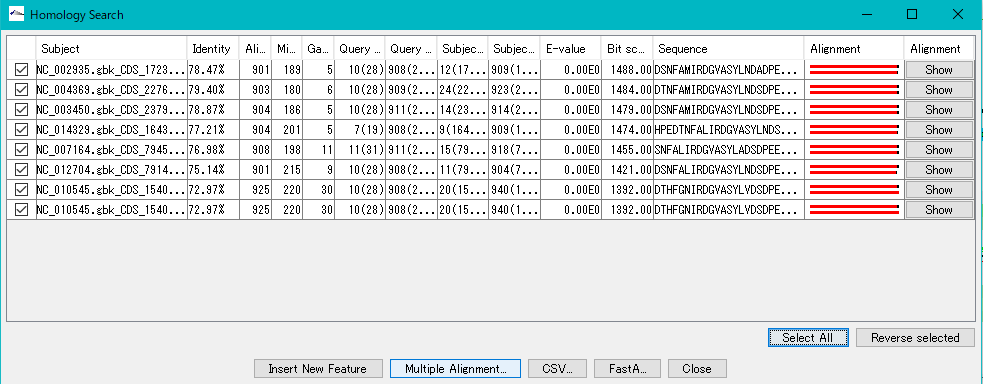
- Click the Multiple Alignment ... button.
- A confirmation message will be displayed.
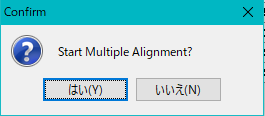
- Click "Yes (Y)".
- The Multiple Alingment viewer launches and the multiple alignment of the selected hit subject sequences is displayed.