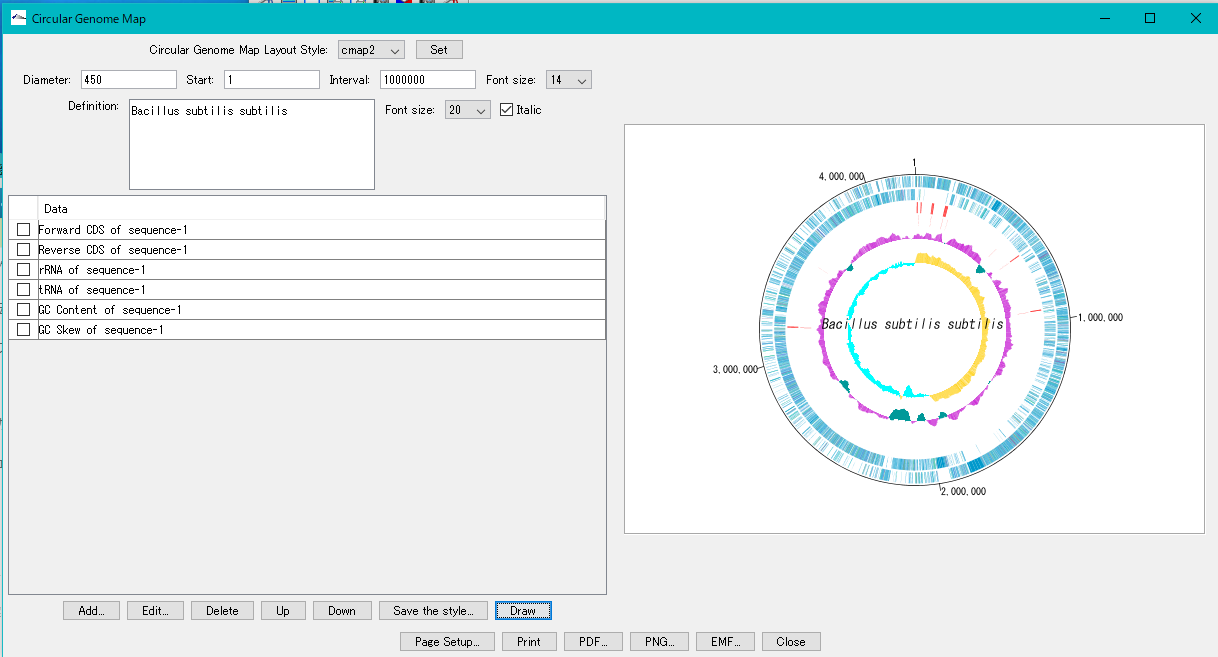
On the Circular Genome Map dialog you can change the design of the map by applying another registered circular genome layout style.
Operation
- The circular genome map of one genome is displayed in the Circular Genome Map dialog.
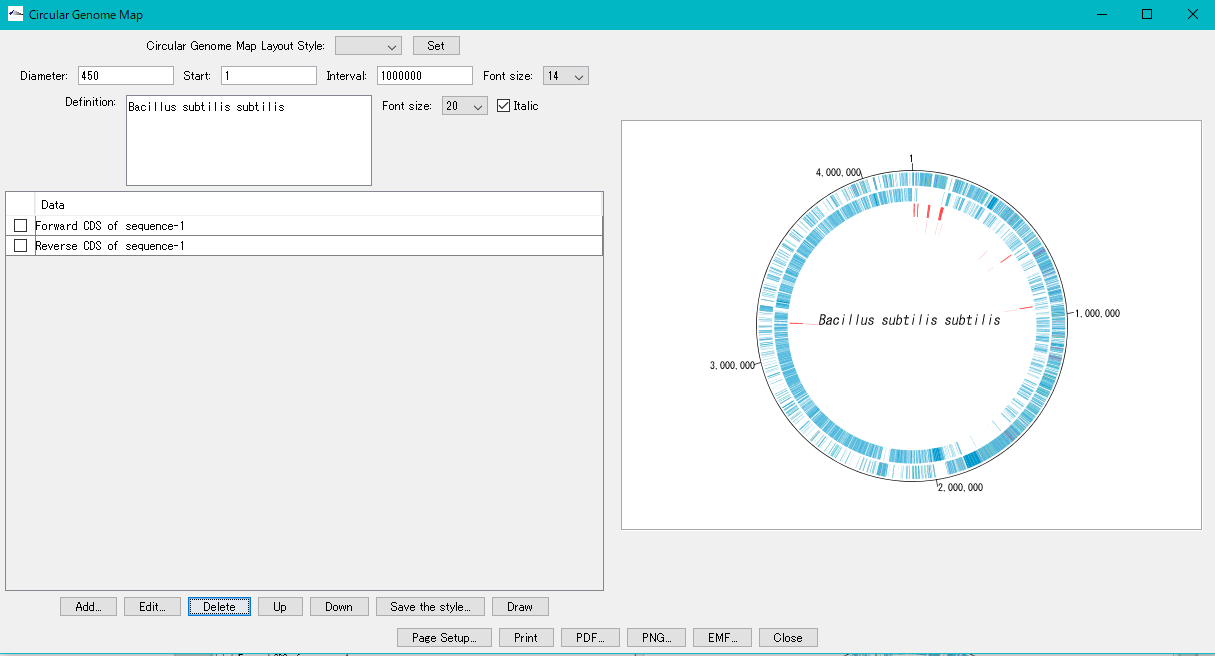
- Click the Circular Genome Layout Style pull-down menu.
- The registered circular genome map layout style menu is displayed.
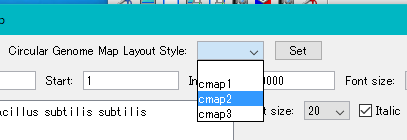
- Select one layout style.
- Click "Set".
- The list of Circular Lane changes to the list of selected designs.
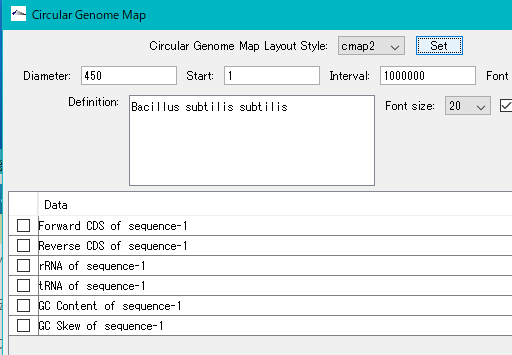
- Click "Draw".
- Drawing is started and a progress message is displayed during execution.
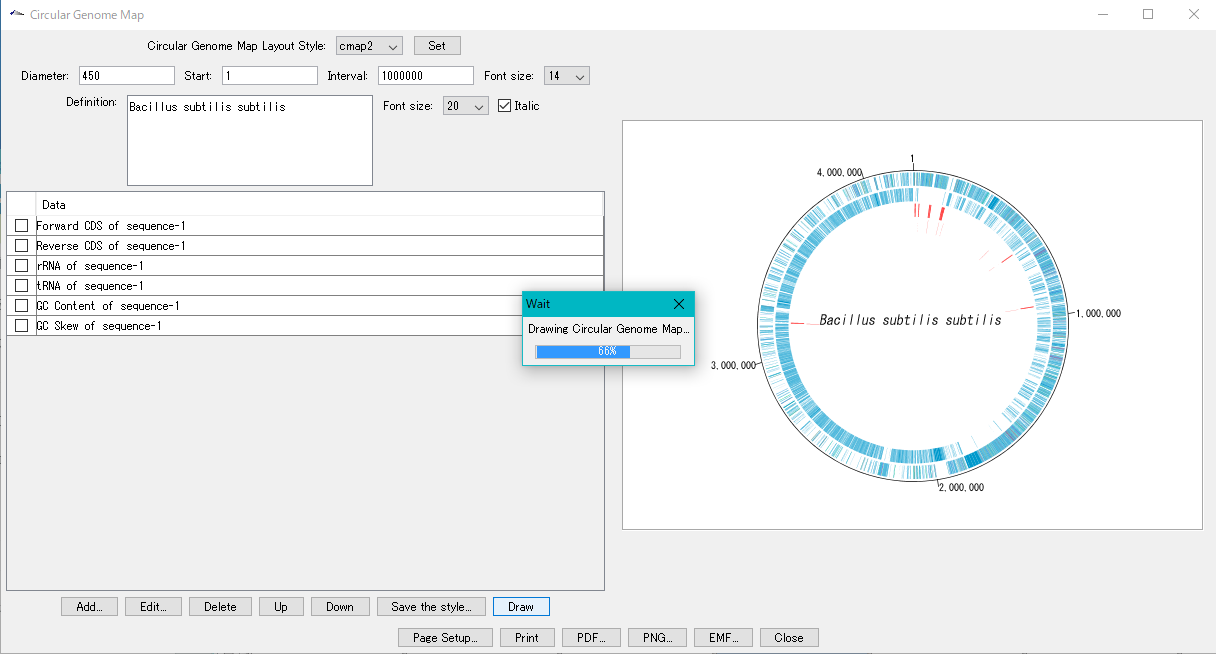
- When finished, it will be displayed with the selected layout style.