Annotation Viewer-Editor window (without description pane, no homology search pane)
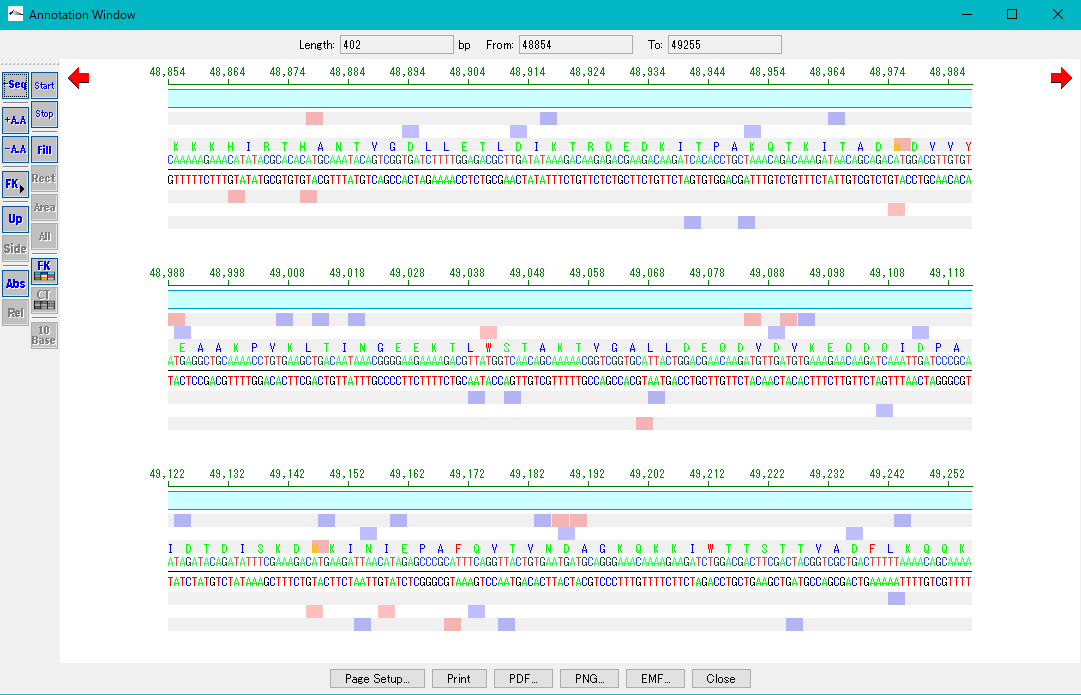
The Annotation Viwer-Editor window (no description pane, no homology search pane) consists of 4 areas.
The position indicator area at the top, the tool box area on the left side, the sequence feature display area at the center, and the execution button area at the bottom.
In the position indicator area on the upper side, the following display fields are available.

Length: Indicates the number of bases currently displayed in the central sequence / feature display area (unit bp).
From: Indicates the starting base position in the current genome sequence of the currently displayed base sequence.
To: Indicates the ending base position in the current genome sequence of the currently displayed base sequence.
Left and right scroll buttons: One click shifts the central base sequence by the number of displayed bases per line.
The tool button on the left side has the following function buttons.
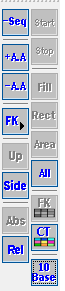
- Sequence related operation button
- Feature related operation button
- Rulerrelated operation buttons
- Start / stop codon related operation button
- Background operation buttons
- Line Feed operation buttons