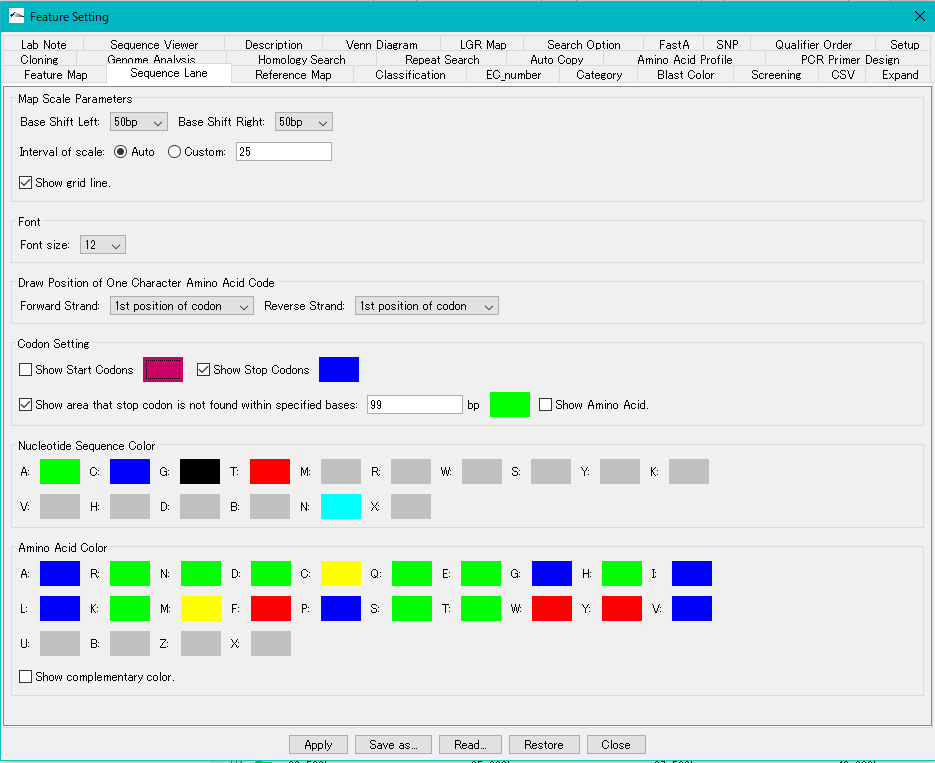


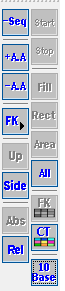
Start: Used when + A.A. and -A.A. Are on.
When on, the start codon candidate position is displayed in the frame display area.
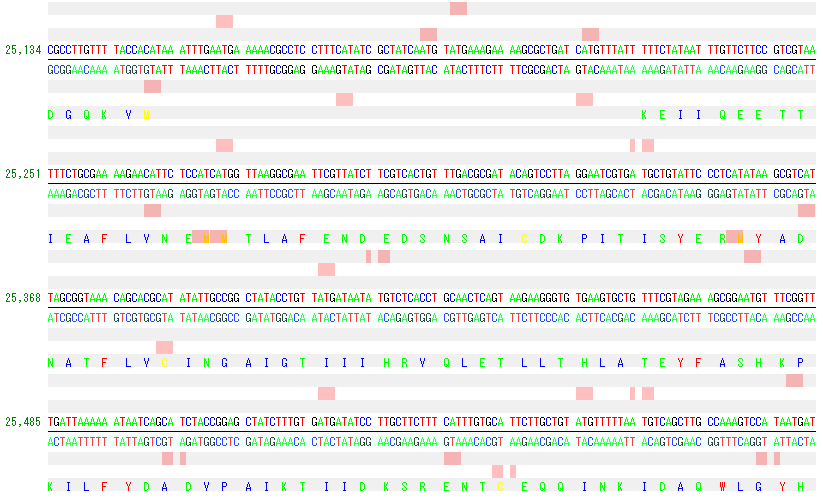
The start codon candidate can be changed from the Translation trasl_table pull-down menu in the "Genome Analysis" tab pane of the "Feature Setting" dialog.
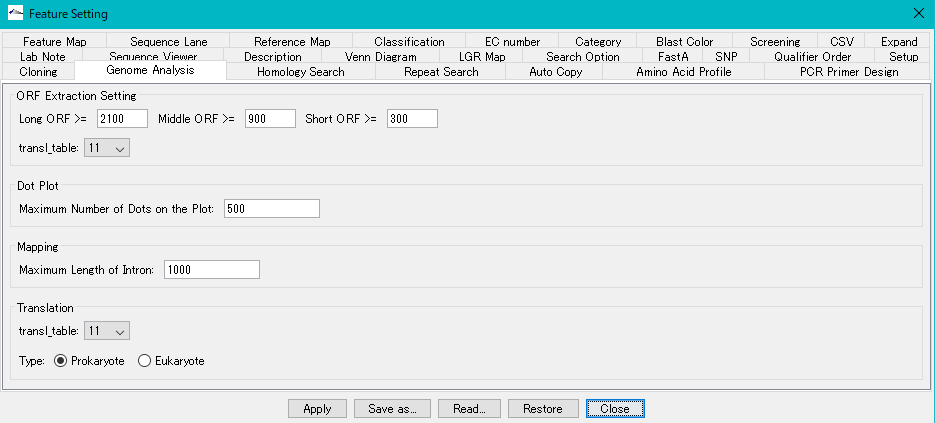
Stop: Used when + A.A. and -A.A. Are on.
When on, the stop codon position is displayed in the frame display area.
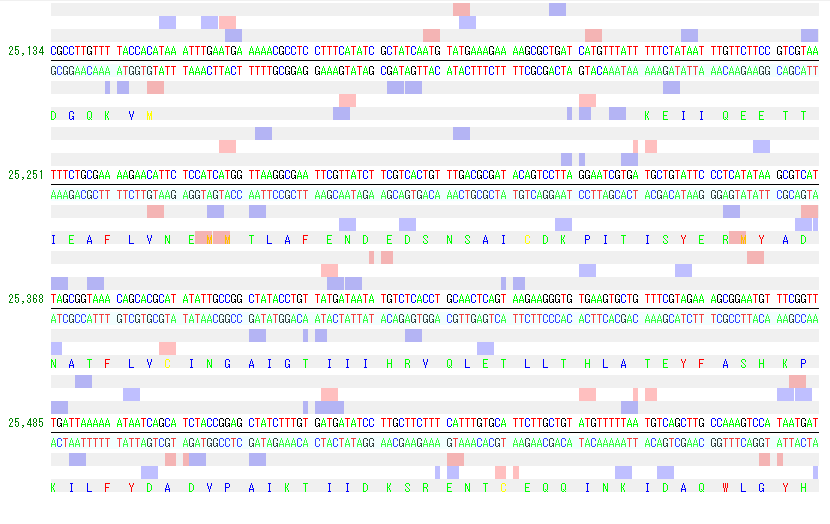
You can change the stop codon from the Translation trasl_table pull-down menu in the "Genome Analysis" tab pane of the "Feature Setting" dialog.
The display color of the start codon candidate and the stop codon can be changed in the "Sequence Lane" tab pane, "Codon Setting" field of "Feature Setting" dialog.