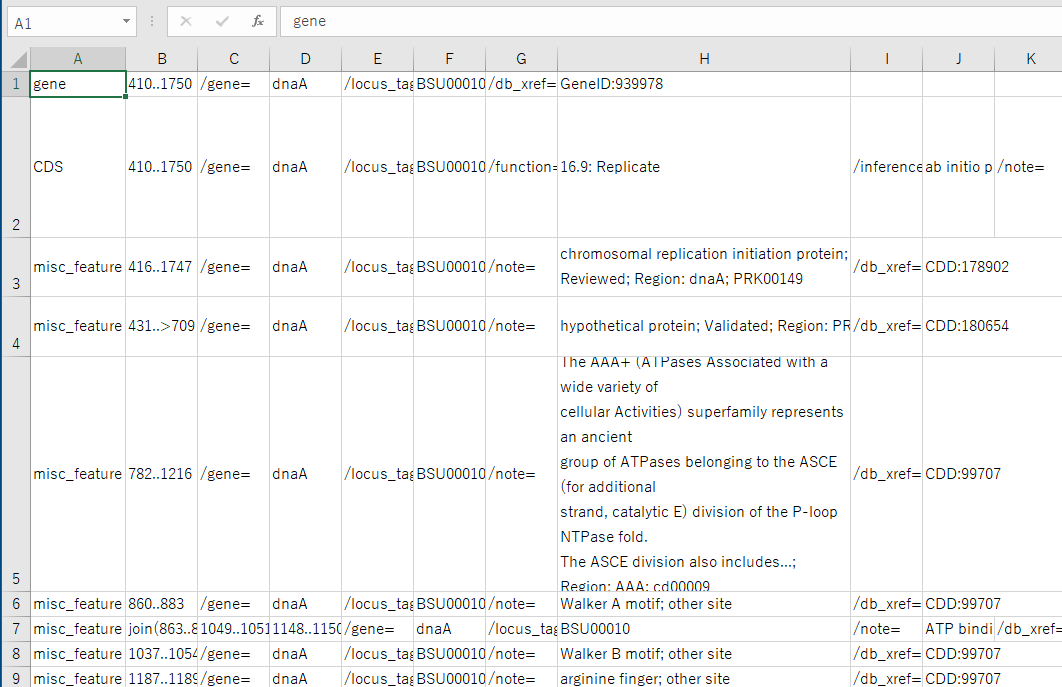
Save the feature in CSV format.
All features within a certain sequence range with any feature key are output as CSV files.
Operation
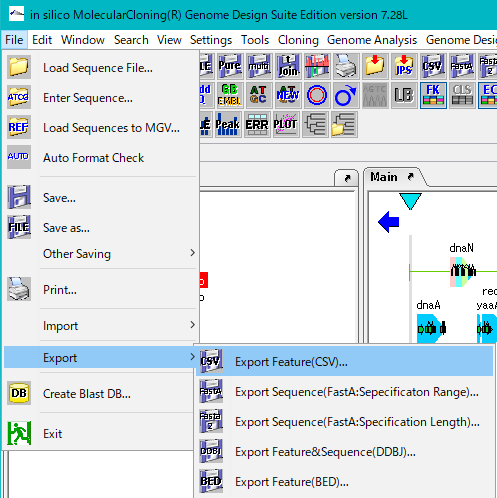
- Select File -> Export -> Export Feature (CSV) ... from the menu.
- The "Features & Range Settings" dialog is displayed.
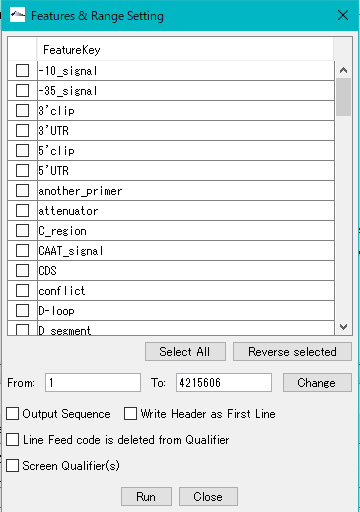
- Check the feature key (multiple specifications possible) to be output.
- Click "Select All" to check all feature keys.
- Set the target base sequence range to "From", "To".
- By default, the entire target sequence is loaded.
- When saving with a base sequence, check "Output Sequence".
- When checking the "source" feature key, most are features over the entire sequence, so if you save it with a base sequence, the file size will increase.
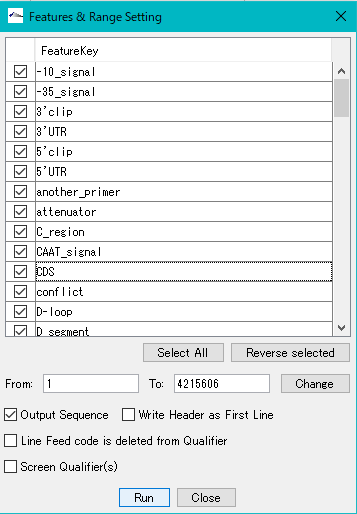
- Click "Run". "Save CSV File" Chooser will be displayed.
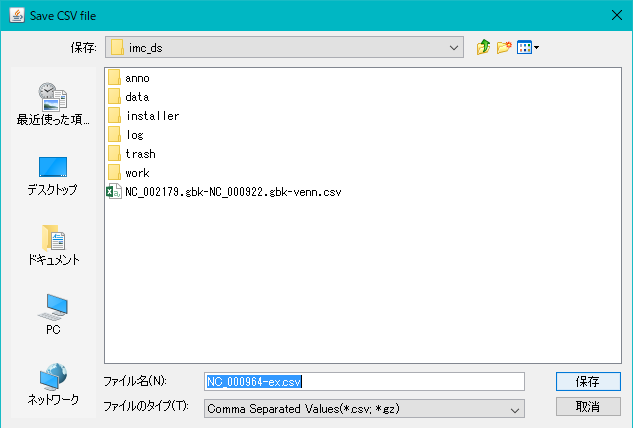
- Specify the directory and file name to output, and click "Save". De
- "-Ex" is appended to the original array file name for the save file name of the fault.
- The CSV file is saved.
- Confirm the save file.
- Open the saved file in Excel.
- The CSV file is displayed.