




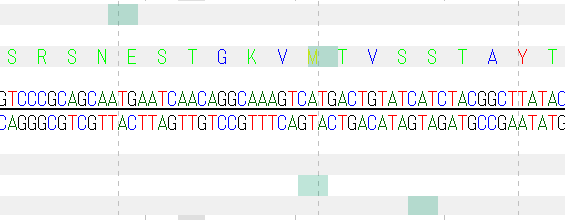
- Display start codon candidates in the frame display area of the sequence lane of the main feature map.
- A start codon candidate indicates a start codon and a registered codon in the selected Genetic Code table and includes those which are not actual start codons.
- Since the transparency of the displayed color is set automatically, it becomes a transparent color than the selected color.
Operation
- From the operation menu, choose Settings -> Feature Setting.
- The Feature Setting dialog will be displayed.
- Click the "Sequence Lane" tab.
- The Sequence Lane tab pane appears.
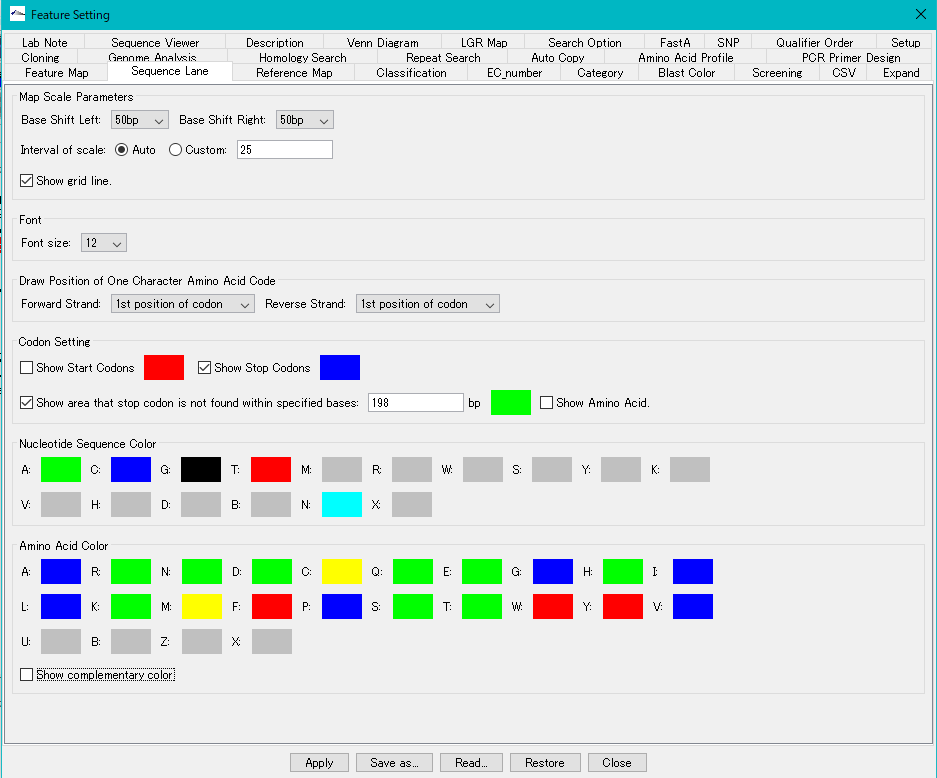
- Check the Codon Setting -> Show Start Codons check box.

- Click "Apply".
- The start codon candidate is displayed in the frame display area of the array lane.
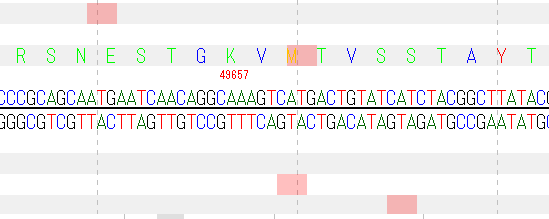
- Change the display color of the start codon candidate.
- Click the Codon Setting -> Show Start Codons color box.
- The color palette is displayed.
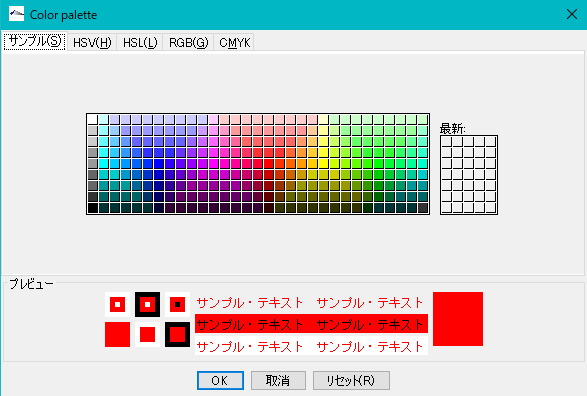
- Select the color you want to change from the palette.
-
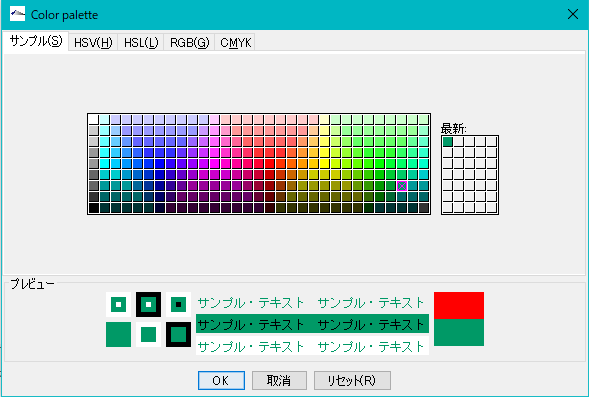
- Click "OK".
- The color of the color box changes to the selected color.

- Click "Apply".
- The display color of the start codon candidate changes.