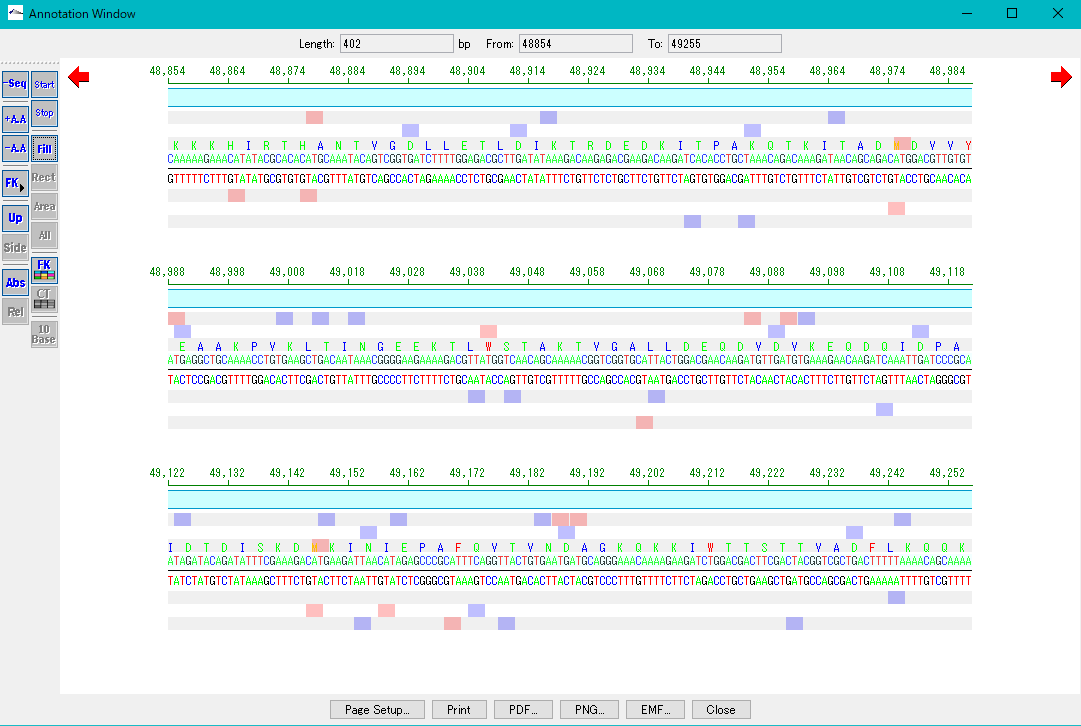


Launch Annotation Window to annotate selected area from selection area on Feature Lane of Main Feature Map.
From this window, you can perform "Manual annotation operation" of the selected area.
You can display and edit the features contained in the selected area.
In particular, it is used to change the starting / ending base positions of features included in this area.
You can change the start / end position by dragging the end of the feature.
You can not display Description Pane or Homology Search Pane for annotation window activation from selection area.
The range displayed on one page depends on the size of the annotation window.
When you resize the annotation window, the display range will change.
The functions that can be operated are somewhat different between starting from the selected area and activating from one feature.
In addition, this function was developed to provide 'general sequence analysis software' operation.
Operation
Right-click on the selection area of the feature lane of the Main Feature Map.
The menu will be displayed.
Click "Annotation Window".
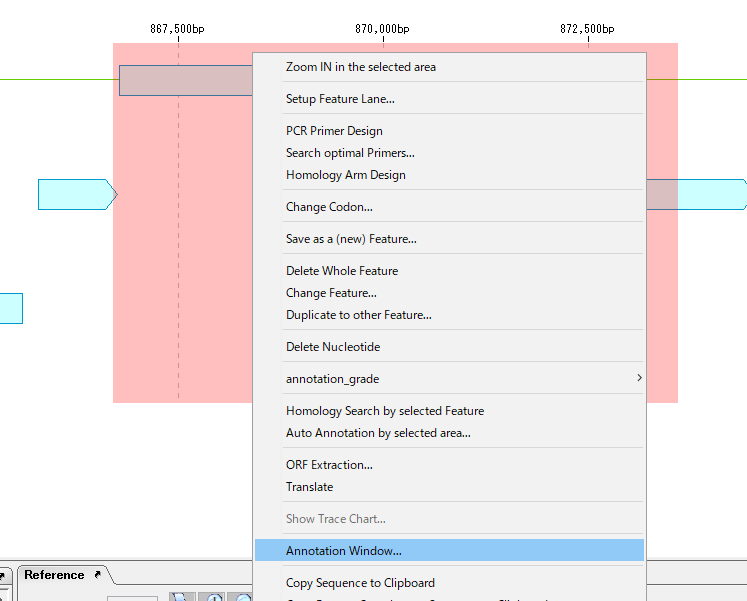
An annotation window with the selected area as an annotation enabling area is displayed.