


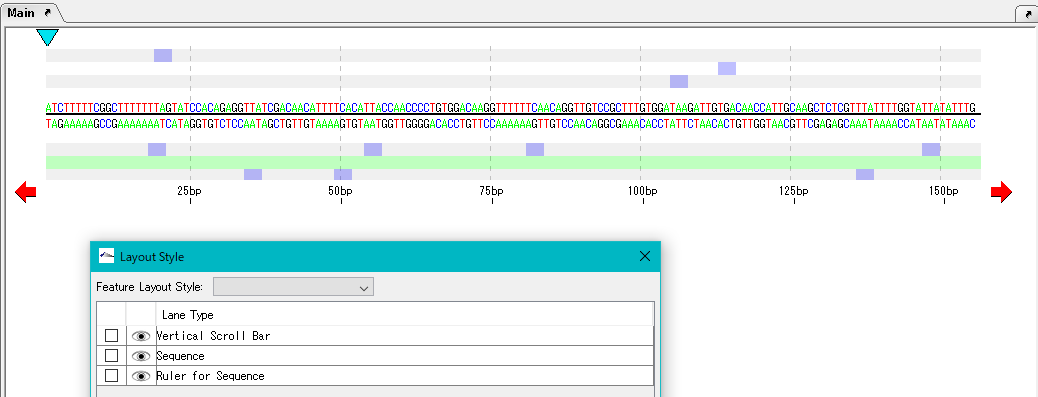
Move the "Ruler for Sequence" lane up.
Check the "Ruler for Sequence" lane checkbox.
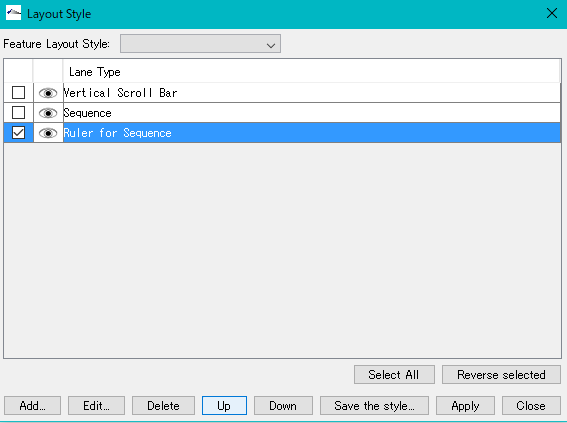
Click "Up" twice.
"Ruler for Sequence" lane will move to the top.
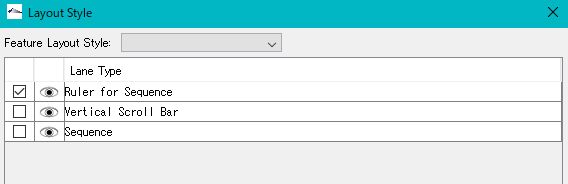
Click "Apply".
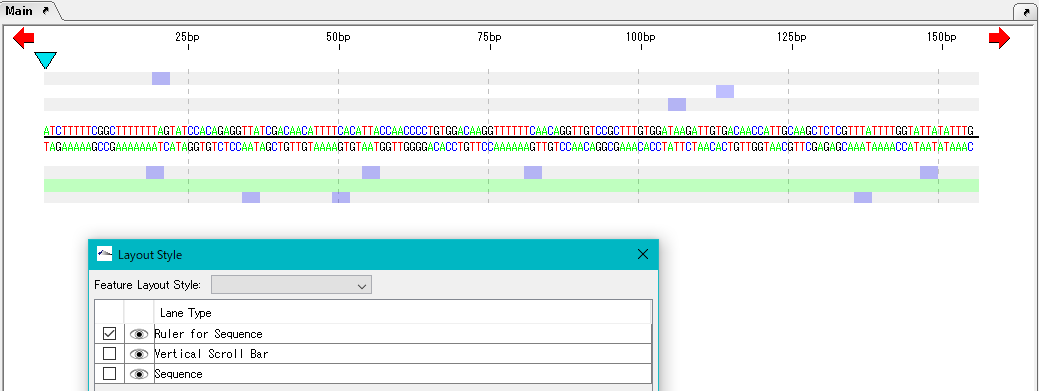
The array scale lane is also displayed at the top even on the main feature map.
Select your language



 License Activation
 Function Overviews and Basic Operation
 Work Bench
 Feature Map
 Sequence and Data Input and Output
 Search Sequence and Annotation
 Genome Comparison
 Settings
Move the "Ruler for Sequence" lane up.
Check the "Ruler for Sequence" lane checkbox.
Click "Up" twice.
"Ruler for Sequence" lane will move to the top.
Click "Apply".
The array scale lane is also displayed at the top even on the main feature map.